FordPass™
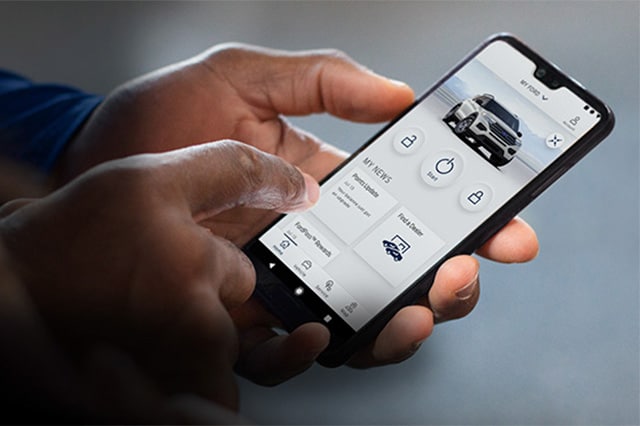
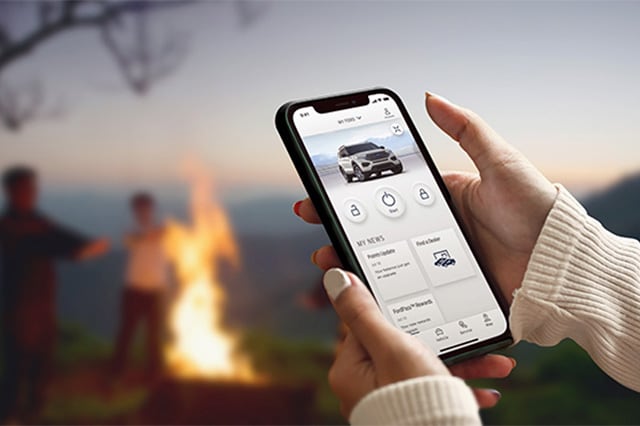
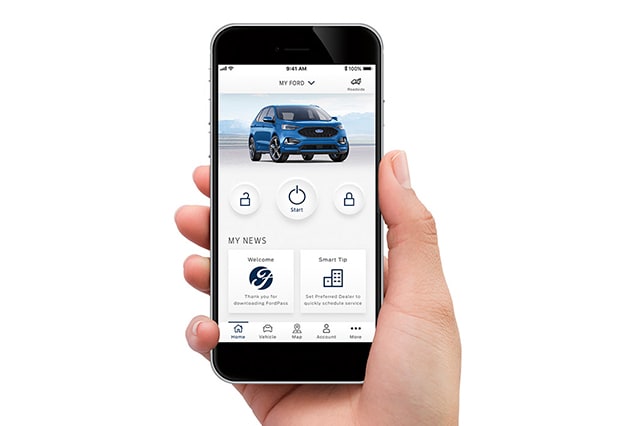
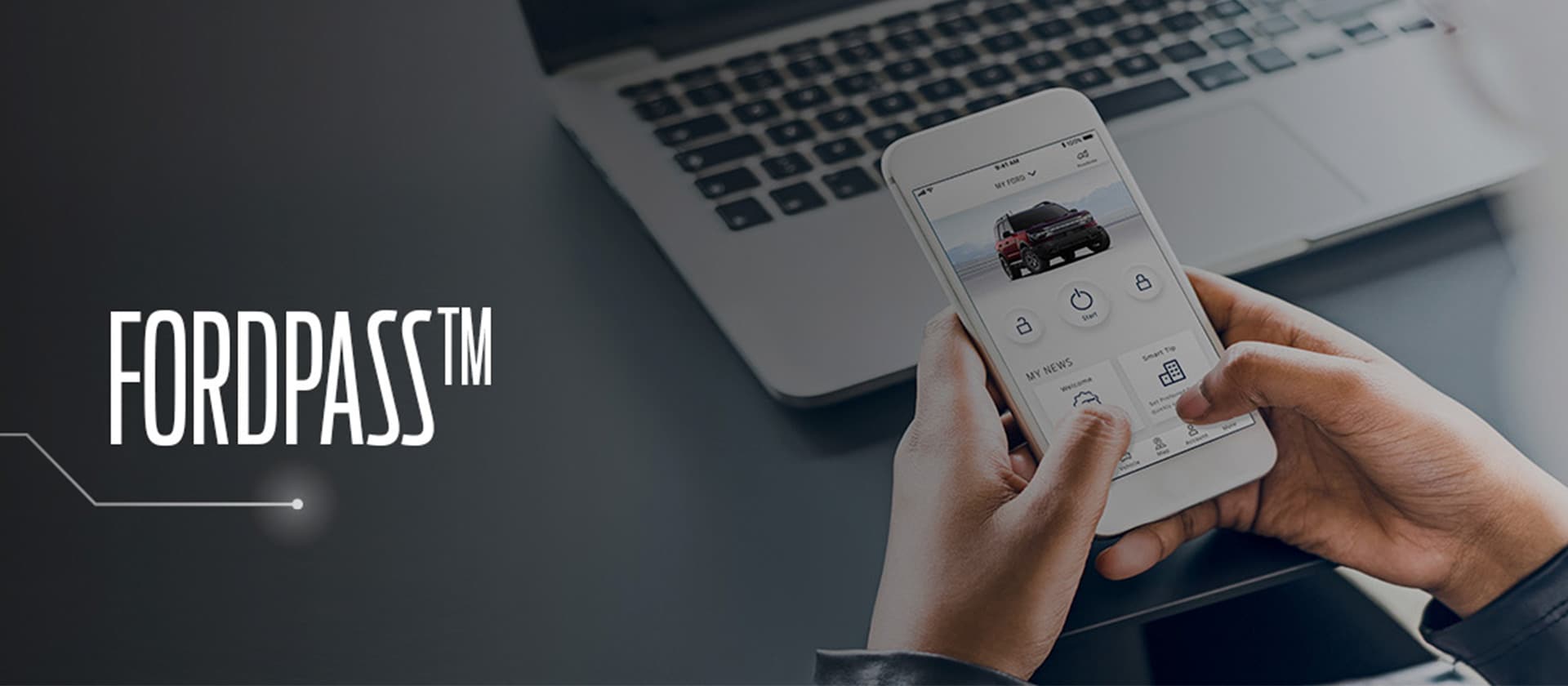
It's the Ford App that's designed to keep you and your vehicle seamlessly connected. Sync your Car, SUV, Crossover or Pickup with the FordPass™ App on a smartphone to access a section of connectivity features that make everything easier than ever.
Features designed to keep you connected to your vehicle, wherever you are.
How do I use FordPass™ Connect?
With FordPass™ Connect you can add your VIN to the app to lock/unlock the doors, start/stop the engine, create a start schedule, and from anywhere you are.
Ready to Connect?
Download FordPass™ from the App Store® or Google Play™ and follow the prompts to set up your account.
- Make sure your vehicle is turned off, then select Add to add your vehicle.
- Scan or type in your VIN.
- Name your vehicle.
- Select Activate Vehicle.
- Start your vehicle and select Allow on the in-vehicle pop-up.
If you’re having trouble activating, FordGuides are here to help: (800) 392-3673